
About
-
Date: Tue, Aug 11, 2026
Time: 09:00 AM - 10:30 AM - Presenter:
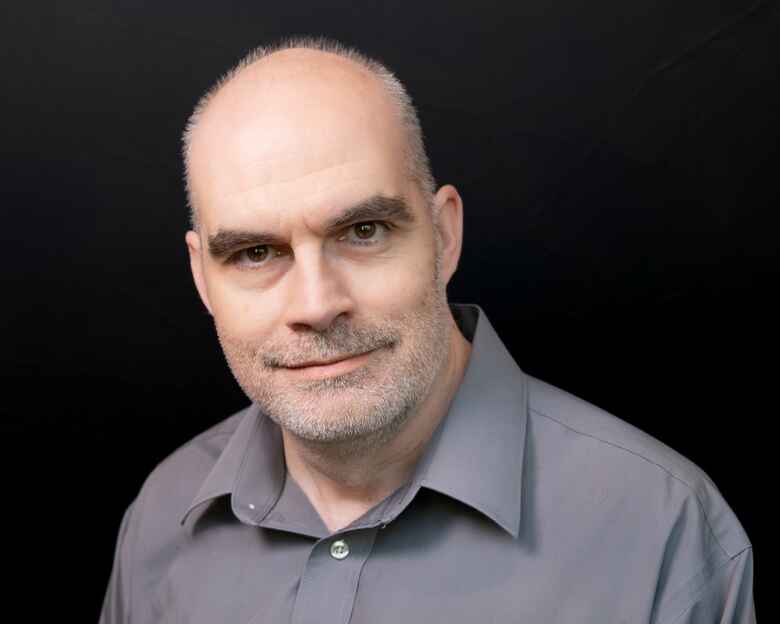
Tom Roedel
- Registration required: Yes
- Seats available: Yes
Description
This session covers the basics of setting up your Canvas course shell as well as a dive into Assignments, Quizzes and Grades. Topics covered in this session include:
- Global Nav Menu: Account (Notifications) / Courses / Inbox / Help
- Dashboard ("To Do" list)
- Inside the Course: Editing the Course Navigation Menu
- Using Modules and Files
- Using the Syllabus Tool
- Creating an Assignment
- Creating a Discussion
- Creating a Quiz
- Grades Overview
- Student view
Please note: This session will not be recorded. If you are unable to attend the session, please see our Canvas knowledgebase materials and overview videos. As always, feel free to schedule a 1:1 consultation or contact us if you have any questions.
Meet the presenter
Upcoming events

Date: Tue, Oct 27, 2026
Time: 12:00 PM
- 01:00 PM
In this workshop, participants will learn how VoiceThread can help educators provide multiple means of...

Date: Wed, Oct 28, 2026
Time: 11:30 AM
- 01:30 PM
Drop in to participate in collaborative conversations, pick up some UM Academic Technology swag, enjoy...

Date: Thu, Nov 12, 2026
Time: 04:00 PM
- 05:00 PM
Seats available: 100
This session covers the basics of setting up your Canvas course shell. Topics covered in...